
Pony-base realism · open community model
Pony Realism — photo-like AI art on a familiar Pony foundation
Pony Realism is a community checkpoint that keeps the Pony Diffusion prompt style (score tags, Clip Skip 2, Danbooru tags) while aiming for cleaner lighting, skin, and photo-like detail. Explore guides, compare other Pony models, and try browser demos.
- Base lineage
- Pony XL
- Prompt style
- score_ tags
- Try in browser
- 2 HF Spaces
Why Pony Realism
Realism goals without throwing away Pony habits
Creators reach for Pony Realism when they want photo-like people and scenes, but still want the score-tag workflow the Pony family made popular.
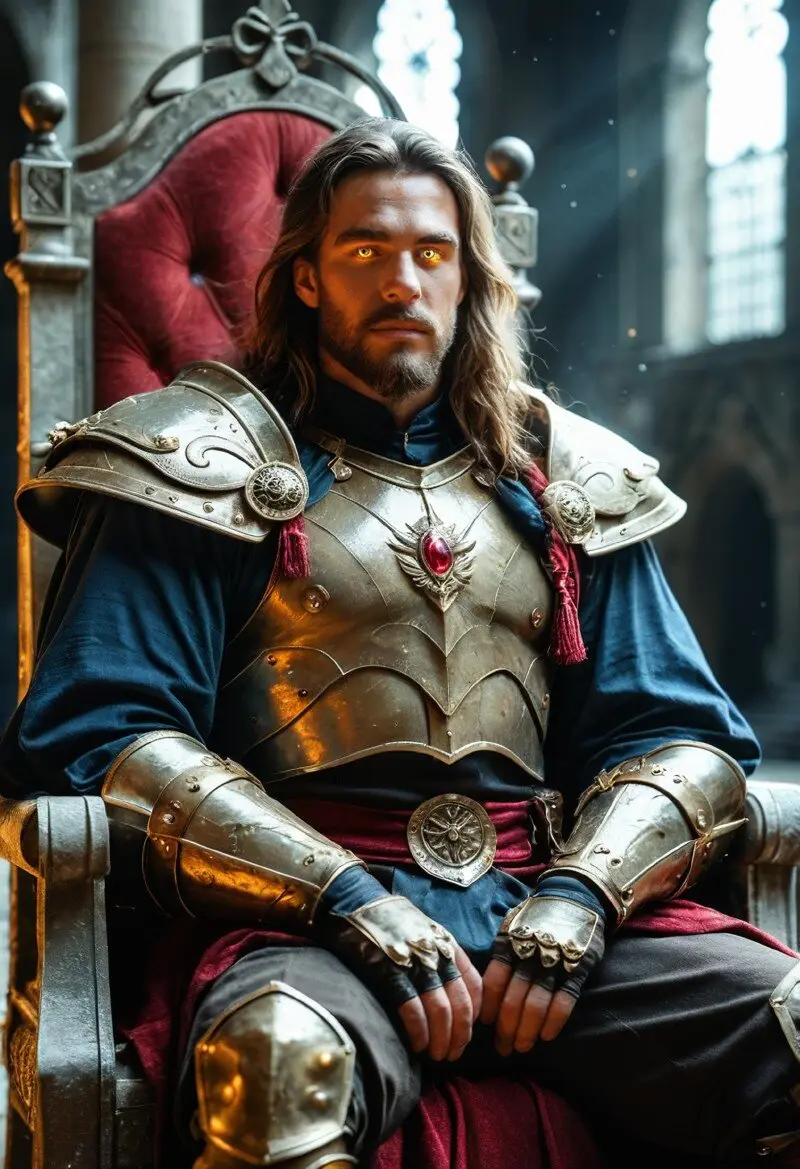
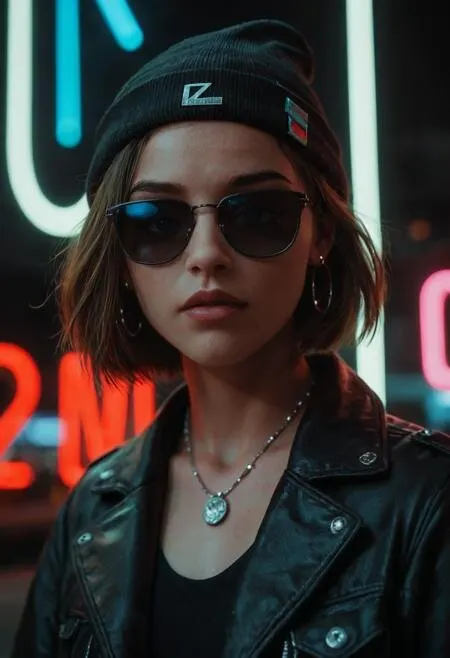
Photo-like lighting and skin
Version notes call out lighting, night scenes, skin, hands/feet, and cleaner overall quality — the things that make an image feel less like a cartoon.
Familiar Pony prompting
Use score_9 / score_8_up / score_7_up style chains, Clip Skip 2, and Danbooru-style tags. You do not have to relearn a totally new language.
Many public versions
From early builds through v2.1, v2.2, v2.3, and experimental ULTRA — plus faster Lightning/Hyper variants for quicker tests.
Ecosystem helpers
Community LoRAs (such as realism enhancers) and training tips grew around the model, so you can fine-tune the look further.
Lineage
From Pony Diffusion roots to a realism specialist
Pony Realism sits in the wider Pony XL family tree. Base Pony models are versatile multi-style tools; Pony Realism pushes that stack toward photoreal results.
- 1
Pony Diffusion foundation
Pony Diffusion V6 XL popularized score quality tags and broad style/species coverage on SDXL-class models.
- 2
Realism checkpoints appear
Creators mixed and trained on Pony to get photo-like people and scenes while keeping Pony prompting habits.
- 3
Pony Realism matures (v2.x)
ZyloO’s Pony Realism series refined lighting, detail, and sampler behavior across v2.1 and the widely used v2.2 release.
- 4
Later experiments (v2.3 / ULTRA)
Public updates continued with v2.3 and an experimental ULTRA line focused on natural light, skin, and higher realism.

How to use it
A simple starting recipe
You can run weights locally in tools like ComfyUI or Forge, or test ideas in our embedded Hugging Face Spaces. Author tips are a good default starting point.
1. Start with score tags
Begin positive prompts with score_9, score_8_up, score_7_up, then describe the subject after BREAK.
2. Set Clip Skip to 2
Pony-family models usually expect Clip Skip 2. Wrong settings often look soft or messy.
3. Use solid default settings
Try 30+ steps, CFG around 6–7, resolution above 1024, and samplers like Euler A or DPM++ SDE Karras variants.
4. Test in the playground
Use the dual-tab playground to try two third-party Spaces without installing anything first.
Playground
Try Pony Realism in the browser
Open the playground and switch tabs between two Hugging Face Spaces for quick experiments. No local GPU install required to start.
Both Spaces are third-party. Availability, listed models, and queue times can change upstream.
Launch playground
Resources
Where to go next
Features, history & future
A junior-high-friendly deep dive into what Pony Realism is, how versions grew, and what public sources say next.
Read articlePony Realism vs other Pony models
Clear differences versus base Pony Diffusion and other popular realistic Pony checkpoints.
Compare modelsCivitai model page
Official gallery, version files, and community samples for Pony Realism.
Open Civitai